AI 辅助 UI 设计:一条不丢审美的工作流AI 輔助 UI 設計:一條不丟審美的工作流AI-assisted UI design: a workflow that keeps taste in the loopAI支援UIデザイン:センスを手放さないワークフローAI 보조 UI 디자인: 취향을 잃지 않는 워크플로Reka bentuk UI berbantu AI: aliran kerja yang mengekalkan cita rasaThiết kế UI có AI hỗ trợ: quy trình giữ được gu thẩm mỹDesign d'UI assisté par l'IA : un flux qui garde le goût dans la boucleDiseño de UI asistido por IA: un flujo que mantiene el criterioKI-gestütztes UI-Design: ein Workflow, der Geschmack im Spiel hält
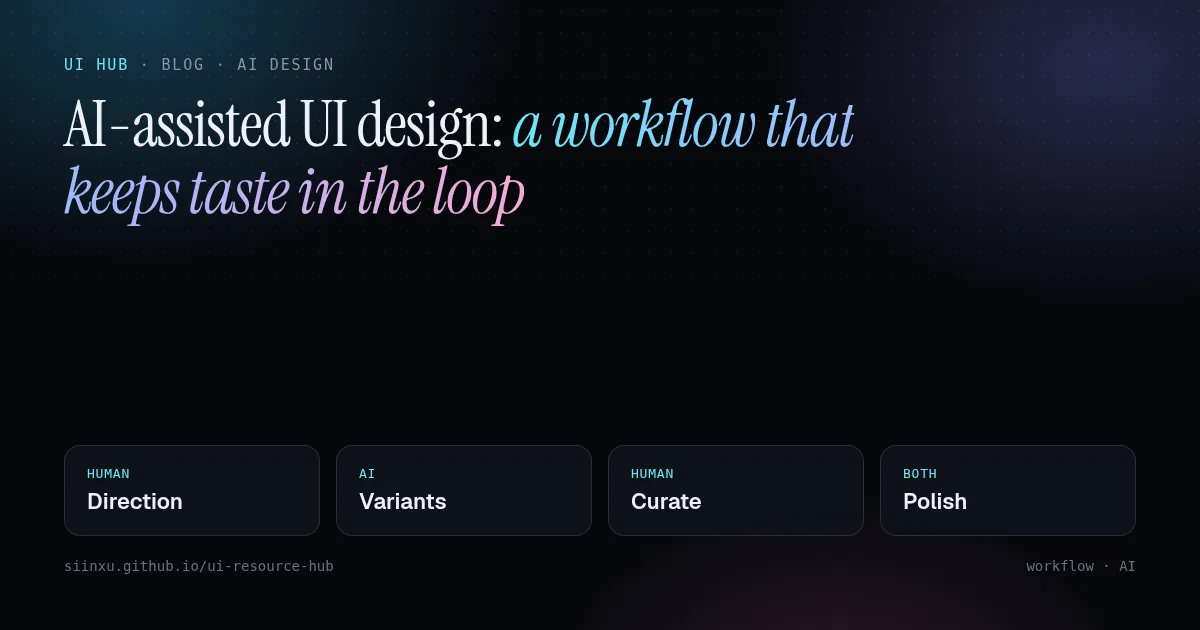
生成器快但平庸。把活拆开:人定方向和约束,AI 铺变体,人来挑选和打磨。生成器快但平庸。把活拆開:人定方向和約束,AI 鋪變體,人來挑選和打磨。Generators are fast but average. Split the job: humans set direction and constraints, AI explores variants, humans curate and polish.生成ツールは速いが平均的。方向と制約は人、バリエーションはAI、選別と仕上げは人。생성기는 빠르지만 평범하다. 방향과 제약은 사람, 변형은 AI, 선별과 다듬기는 사람.Penjana pantas tetapi biasa. Manusia tetapkan hala, AI teroka variasi, manusia pilih dan gilap.Công cụ sinh nhanh nhưng tầm thường. Người định hướng, AI khám phá biến thể, người chọn lọc và hoàn thiện.Rapides mais moyens : l'humain fixe la direction, l'IA explore, l'humain sélectionne et peaufine.Rápidos pero promedio: el humano fija la dirección, la IA explora, el humano elige y pule.Schnell, aber durchschnittlich: Mensch gibt Richtung vor, KI exploriert, Mensch kuratiert und poliert.
正文以簡體中文顯示。
本文は英語で表示しています。
본문은 영어로 표시됩니다.
Kandungan dipaparkan dalam bahasa Inggeris.
Nội dung hiển thị bằng tiếng Anh.
Le corps de l’article est en anglais.
El cuerpo del artículo está en inglés.
Der Beitragstext ist auf Englisch.
Every AI UI generator converges on the statistical middle of its training data: centred hero, three feature cards, a purple gradient. That is not a bug, it is what "most likely next token" means. The practical consequence is that speed is free and taste is the scarce input.
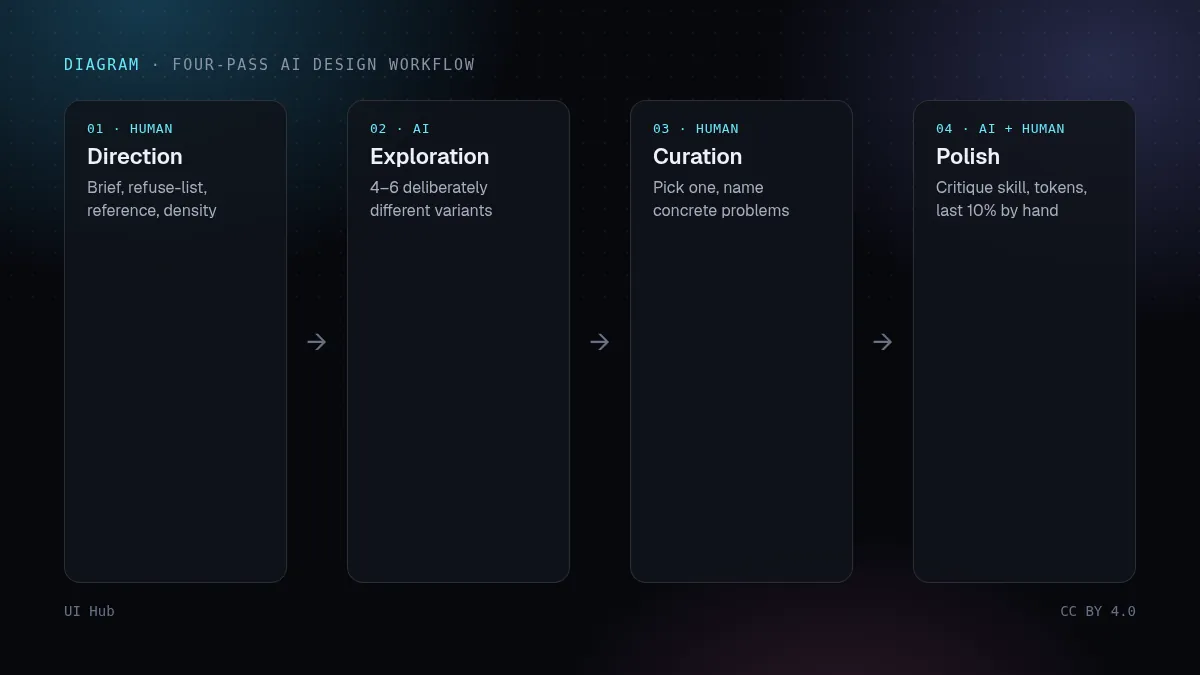
Split the job into four passes
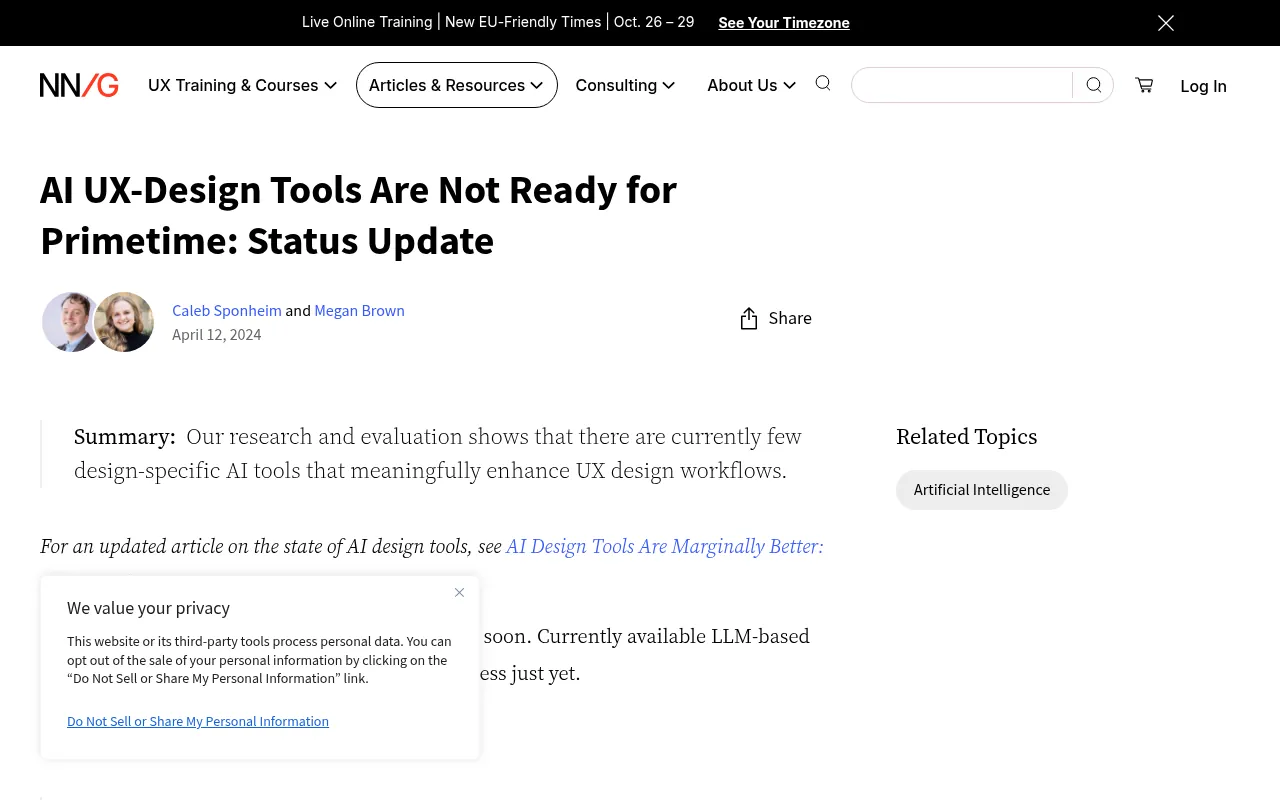
- Direction (human). Write a one-paragraph brief: audience, one adjective you want and one you refuse, a reference product, density level. NN/g's testing of AI design tools found outputs were generic unless the prompt carried real context.
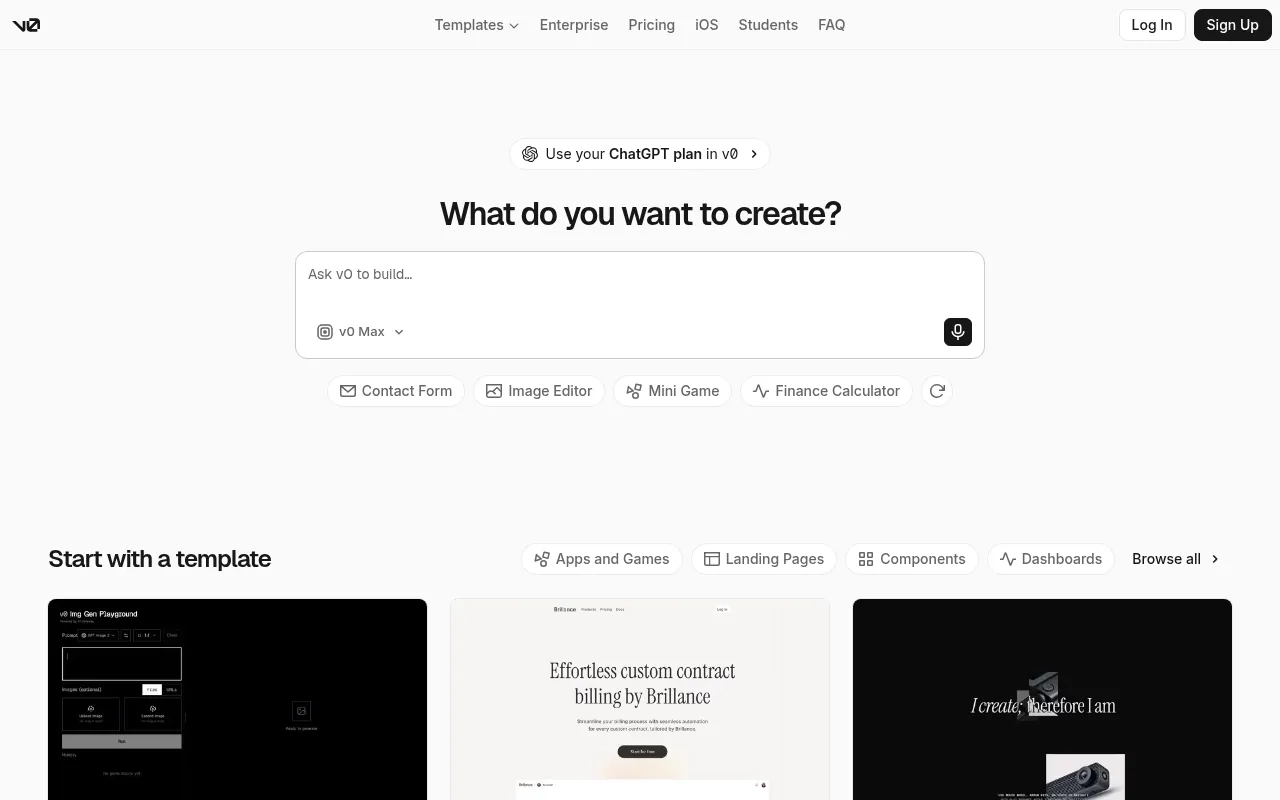
- Exploration (AI). Ask v0 or Claude for 4–6 deliberately different directions, not one "best" page. Diversity is where generators shine.
- Curation (human). Pick one, then name what is wrong in concrete terms: "line length over 80ch", "two accent colours competing".
- Polish (AI + human). Feed those notes back, or run a critique skill such as impeccable or baseline-ui, then do the last 10% by hand.
Our take
The biggest win is not generation but constraint files: a short DESIGN.md with tokens, spacing scale and banned patterns that every agent reads first. It turns one good decision into a hundred consistent screens. On UI Hub, filter by Skill to find ready-made ones.
Checklist
- Brief has a "never" list
- Ask for variants, not a page
- Critique with named problems
- Lock decisions into tokens
所有 AI 界面生成器都会收敛到训练数据的"平均值":居中大标题、三张特性卡、一道紫色渐变。这不是 bug,而是"最可能的下一个词"的本义。结论很直接:速度已经免费,稀缺的是审美输入。
把活拆成四遍
- 定方向(人):写一段话的简报——给谁用、想要的一个形容词和拒绝的一个形容词、一个参考产品、信息密度。NN/g 对 AI 设计工具的测试显示,提示里没有真实上下文时,产出几乎都是通用模板。
- 铺变体(AI):让 v0 或 Claude 一次给 4–6 个刻意不同的方向,而不是一个"最好"的页面。多样性才是生成器的长处。
- 挑选(人):选定一个,再用具体语言指出问题,比如"行宽超过 80 字符""两个强调色在打架"。
- 打磨(AI + 人):把意见喂回去,或者跑 impeccable、baseline-ui 这类走查 skill,最后 10% 手工收尾。
我们的看法
最大的收益不在生成,而在约束文件:一份简短的 DESIGN.md,写清 token、间距刻度和禁用样式,让每个 Agent 先读它。一次好决定就能变成一百个一致的页面。在 UI Hub 里筛选「Skill」就能找到现成的。
清单
- 简报里有"禁止"清单
- 要变体,不要单页
- 点名具体问题
- 把决定固化成 token
Every AI UI generator converges on the statistical middle of its training data: centred hero, three feature cards, a purple gradient. That is not a bug, it is what "most likely next token" means. The practical consequence is that speed is free and taste is the scarce input.
Split the job into four passes
- Direction (human). Write a one-paragraph brief: audience, one adjective you want and one you refuse, a reference product, density level. NN/g's testing of AI design tools found outputs were generic unless the prompt carried real context.
- Exploration (AI). Ask v0 or Claude for 4–6 deliberately different directions, not one "best" page. Diversity is where generators shine.
- Curation (human). Pick one, then name what is wrong in concrete terms: "line length over 80ch", "two accent colours competing".
- Polish (AI + human). Feed those notes back, or run a critique skill such as impeccable or baseline-ui, then do the last 10% by hand.
Our take
The biggest win is not generation but constraint files: a short DESIGN.md with tokens, spacing scale and banned patterns that every agent reads first. It turns one good decision into a hundred consistent screens. On UI Hub, filter by Skill to find ready-made ones.
Checklist
- Brief has a "never" list
- Ask for variants, not a page
- Critique with named problems
- Lock decisions into tokens
AI 提示词AI 提示詞AI promptAIプロンプトAI 프롬프트Prompt AIPrompt cho AIPrompt IAPrompt de IAKI-Prompt
复制给 Claude、Cursor、v0 等 AI 助手,让它按本文的方法处理你的项目。尖括号里的内容换成你自己的。複製給 Claude、Cursor、v0 等 AI 助手,讓它按本文的方法處理你的專案。尖括號裡的內容換成你自己的。Paste this into Claude, Cursor, v0 or another assistant to apply this post to your own project. Replace the parts in angle brackets.Claude・Cursor・v0 などのAIアシスタントに貼り付けると、この記事の方法をあなたのプロジェクトに適用できます。山括弧の部分は自分の内容に置き換えてください。Claude, Cursor, v0 같은 AI 도우미에 붙여 넣으면 이 글의 방법을 내 프로젝트에 적용할 수 있습니다. 꺾쇠괄호 안은 내 내용으로 바꾸세요.Tampal ke Claude, Cursor, v0 atau pembantu lain untuk menggunakan kaedah artikel ini pada projek anda. Gantikan bahagian dalam kurungan sudut.Dán vào Claude, Cursor, v0 hoặc trợ lý khác để áp dụng bài này cho dự án của bạn. Thay phần trong dấu ngoặc nhọn bằng nội dung của bạn.Collez-le dans Claude, Cursor, v0 ou un autre assistant pour appliquer cet article à votre projet. Remplacez les parties entre chevrons.Pégalo en Claude, Cursor, v0 u otro asistente para aplicar este artículo a tu proyecto. Sustituye lo que está entre corchetes angulares.In Claude, Cursor, v0 oder einen anderen Assistenten einfügen, um diesen Beitrag auf dein Projekt anzuwenden. Teile in spitzen Klammern ersetzen.
你是一名资深 UI 工程师。请把文章《AI 辅助 UI 设计:一条不丢审美的工作流》(https://ui.incidental.site/blog/ai-assisted-ui-design-workflow/)的方法用到我的项目上。
核心观点:生成器快但平庸。把活拆开:人定方向和约束,AI 铺变体,人来挑选和打磨。
步骤:
1. 读文章,把建议整理成一份具体、可检查的编号清单。
2. 用这份清单检查 <我的页面 / 组件 / 仓库>,每条标注通过或不通过,并写明文件和行号。
3. 用我现有的 token 和组件,小批量修复不通过的项。不要编造 API,以文章链接的官方文档为准。
4. 最后列出待确认的问题和你无法核实的内容。
你是一名資深 UI 工程師。請把文章《AI 輔助 UI 設計:一條不丟審美的工作流》(https://ui.incidental.site/blog/ai-assisted-ui-design-workflow/)的方法用到我的專案上。
核心觀點:生成器快但平庸。把活拆開:人定方向和約束,AI 鋪變體,人來挑選和打磨。
步驟:
1. 讀文章,把建議整理成一份具體、可檢查的編號清單。
2. 用這份清單檢查 <我的頁面 / 元件 / 儲存庫>,每條標註通過或不通過,並寫明檔案和行號。
3. 用我現有的 token 和元件,小批量修復不通過的項目。不要編造 API,以文章連結的官方文件為準。
4. 最後列出待確認的問題和你無法核實的內容。You are a senior UI engineer. Apply the article “AI-assisted UI design: a workflow that keeps taste in the loop” (https://ui.incidental.site/blog/ai-assisted-ui-design-workflow/) to my project.
Key idea: Generators are fast but average. Split the job: humans set direction and constraints, AI explores variants, humans curate and polish.
Steps:
1. Read the article and turn its advice into a numbered checklist of concrete, checkable rules.
2. Audit <my page / component / repo> against that checklist; mark each rule PASS or FAIL with file and line.
3. Fix the FAIL items in small batches, using my existing tokens and components. Do not invent APIs; follow the official docs the article links to.
4. Finish with a short list of open questions and anything you could not verify.あなたはシニアUIエンジニアです。記事「AI支援UIデザイン:センスを手放さないワークフロー」(https://ui.incidental.site/blog/ai-assisted-ui-design-workflow/)の方法を私のプロジェクトに適用してください。
要点:生成ツールは速いが平均的。方向と制約は人、バリエーションはAI、選別と仕上げは人。
手順:
1. 記事を読み、助言を具体的で確認可能な番号付きチェックリストにする。
2. そのチェックリストで <私のページ / コンポーネント / リポジトリ> を監査し、各項目を合格/不合格で示し、ファイルと行番号を書く。
3. 不合格の項目を、既存のトークンとコンポーネントを使って少しずつ修正する。APIを捏造せず、記事がリンクする公式ドキュメントに従う。
4. 最後に未解決の質問と検証できなかった点を挙げる。당신은 시니어 UI 엔지니어입니다. 글 “AI 보조 UI 디자인: 취향을 잃지 않는 워크플로”(https://ui.incidental.site/blog/ai-assisted-ui-design-workflow/)의 방법을 내 프로젝트에 적용해 주세요.
핵심: 생성기는 빠르지만 평범하다. 방향과 제약은 사람, 변형은 AI, 선별과 다듬기는 사람.
단계:
1. 글을 읽고 조언을 구체적이고 확인 가능한 번호 목록으로 정리한다.
2. 그 목록으로 <내 페이지 / 컴포넌트 / 저장소>를 점검하고, 항목마다 통과/실패와 파일·줄 번호를 적는다.
3. 실패 항목을 기존 토큰과 컴포넌트로 조금씩 고친다. API를 지어내지 말고 글에 링크된 공식 문서를 따른다.
4. 마지막으로 남은 질문과 확인하지 못한 내용을 정리한다.Anda jurutera UI kanan. Gunakan kaedah artikel “Reka bentuk UI berbantu AI: aliran kerja yang mengekalkan cita rasa” (https://ui.incidental.site/blog/ai-assisted-ui-design-workflow/) pada projek saya.
Idea utama: Penjana pantas tetapi biasa. Manusia tetapkan hala, AI teroka variasi, manusia pilih dan gilap.
Langkah:
1. Baca artikel dan jadikan nasihatnya senarai semak bernombor yang konkrit dan boleh disemak.
2. Audit <halaman / komponen / repo saya> dengan senarai itu; tandakan setiap peraturan LULUS atau GAGAL dengan fail dan baris.
3. Baiki item GAGAL sedikit demi sedikit menggunakan token dan komponen sedia ada. Jangan reka API; ikut dokumen rasmi yang dipautkan artikel.
4. Akhiri dengan soalan terbuka dan perkara yang tidak dapat disahkan.Bạn là kỹ sư UI cấp cao. Hãy áp dụng bài viết “Thiết kế UI có AI hỗ trợ: quy trình giữ được gu thẩm mỹ” (https://ui.incidental.site/blog/ai-assisted-ui-design-workflow/) cho dự án của tôi.
Ý chính: Công cụ sinh nhanh nhưng tầm thường. Người định hướng, AI khám phá biến thể, người chọn lọc và hoàn thiện.
Các bước:
1. Đọc bài và biến lời khuyên thành danh sách kiểm tra đánh số, cụ thể, kiểm chứng được.
2. Rà soát <trang / component / repo của tôi> theo danh sách đó; ghi ĐẠT hoặc KHÔNG ĐẠT kèm tệp và dòng.
3. Sửa các mục KHÔNG ĐẠT theo từng đợt nhỏ, dùng token và component sẵn có. Không bịa API; làm theo tài liệu chính thức mà bài viết dẫn tới.
4. Kết thúc bằng các câu hỏi còn mở và những điểm chưa xác minh được.Tu es ingénieur UI senior. Applique l’article « Design d'UI assisté par l'IA : un flux qui garde le goût dans la boucle » (https://ui.incidental.site/blog/ai-assisted-ui-design-workflow/) à mon projet.
Idée clé : Rapides mais moyens : l'humain fixe la direction, l'IA explore, l'humain sélectionne et peaufine.
Étapes :
1. Lis l’article et transforme ses conseils en une liste numérotée de règles concrètes et vérifiables.
2. Audite <ma page / mon composant / mon dépôt> avec cette liste ; indique OK ou KO pour chaque règle, avec fichier et ligne.
3. Corrige les points KO par petits lots, avec mes tokens et composants existants. N’invente pas d’API ; suis la documentation officielle citée par l’article.
4. Termine par les questions ouvertes et ce que tu n’as pas pu vérifier.Eres un ingeniero de UI sénior. Aplica el artículo “Diseño de UI asistido por IA: un flujo que mantiene el criterio” (https://ui.incidental.site/blog/ai-assisted-ui-design-workflow/) a mi proyecto.
Idea clave: Rápidos pero promedio: el humano fija la dirección, la IA explora, el humano elige y pule.
Pasos:
1. Lee el artículo y convierte sus consejos en una lista numerada de reglas concretas y comprobables.
2. Audita <mi página / componente / repositorio> con esa lista; marca cada regla como CUMPLE o NO CUMPLE con archivo y línea.
3. Corrige los puntos que no cumplen en lotes pequeños, usando mis tokens y componentes actuales. No inventes APIs; sigue la documentación oficial que enlaza el artículo.
4. Termina con las preguntas abiertas y lo que no pudiste verificar.Du bist Senior-UI-Engineer. Wende den Artikel „KI-gestütztes UI-Design: ein Workflow, der Geschmack im Spiel hält“ (https://ui.incidental.site/blog/ai-assisted-ui-design-workflow/) auf mein Projekt an.
Kernidee: Schnell, aber durchschnittlich: Mensch gibt Richtung vor, KI exploriert, Mensch kuratiert und poliert.
Schritte:
1. Lies den Artikel und mach aus den Empfehlungen eine nummerierte Liste konkreter, prüfbarer Regeln.
2. Prüfe <meine Seite / Komponente / mein Repo> anhand dieser Liste; markiere jede Regel mit OK oder FEHLT, mit Datei und Zeile.
3. Behebe die fehlenden Punkte in kleinen Schritten mit meinen vorhandenen Tokens und Komponenten. Erfinde keine APIs; folge der offiziellen Doku, die der Artikel verlinkt.
4. Schließe mit offenen Fragen und dem, was du nicht prüfen konntest.引用来源引用來源References参考文献참고 자료RujukanNguồn tham khảoRéférencesReferenciasQuellen
- Status Update: AI UX-Design Tools Are Not Ready for Primetime — Nielsen Norman Group
- v0 Documentation — Vercel
- Agent Skills repository — Anthropic
- impeccable — Paul Bakaus
相关文章相關文章Related posts関連記事관련 글Artikel berkaitanBài liên quanArticles liésArtículos relacionadosÄhnliche Beiträge
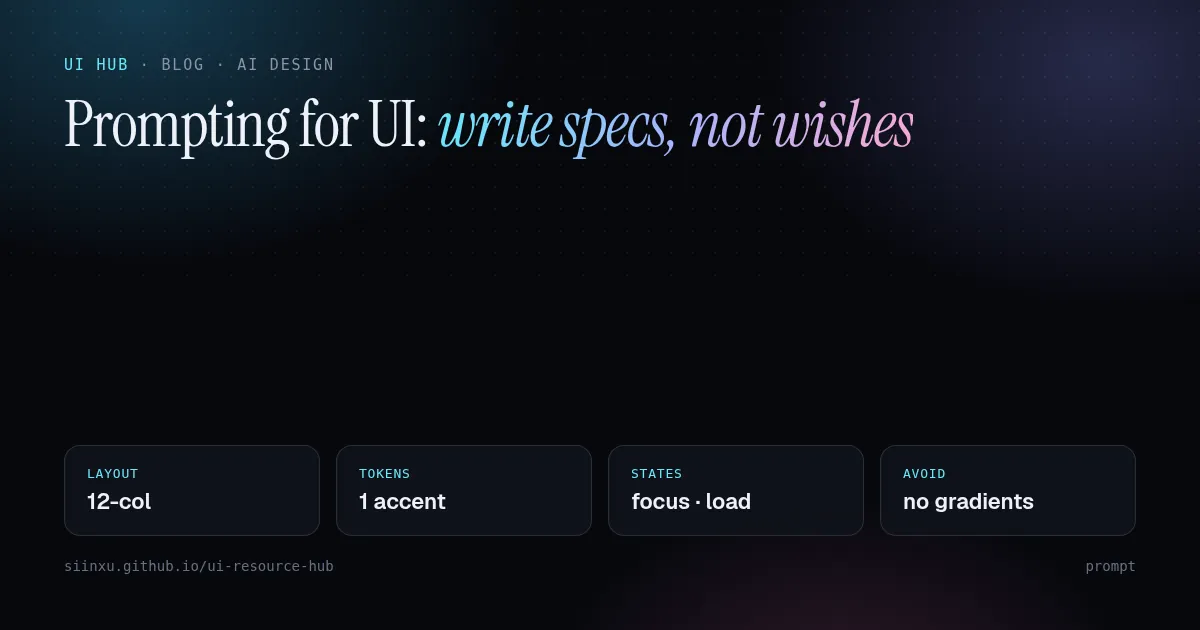
写 UI 提示词:写规格,不要写愿望寫 UI 提示詞:寫規格,不要寫願望Prompting for UI: write specs, not wishesUIのためのプロンプト:願望ではなく仕様を書くUI 프롬프트: 소원 말고 명세를 써라Prompt untuk UI: tulis spesifikasi, bukan hasratViết prompt cho UI: viết đặc tả, đừng viết mong muốnPrompts pour l'UI : écrire des specs, pas des souhaitsPrompts para UI: escribe especificaciones, no deseosPrompts für UI: Spezifikationen statt Wünsche
"现代、简洁"对模型毫无信息量。要写清布局、token、状态、真实内容和禁区。「現代、簡潔」對模型毫無資訊量。要寫清佈局、token、狀態、真實內容和禁區。"Modern and clean" means nothing to a model. Name layout, tokens, states, content and what to avoid.「モダンでクリーン」はモデルに何も伝えない。レイアウト、トークン、状態、内容、禁止事項を書く。"모던하고 깔끔하게"는 의미가 없다. 레이아웃, 토큰, 상태, 콘텐츠, 금지 사항을 적어라."Moden dan bersih" tiada makna. Nyatakan susun atur, token, keadaan, kandungan dan larangan."Hiện đại, gọn gàng" chẳng nói gì. Hãy nêu bố cục, token, trạng thái, nội dung và điều cấm.« Moderne et épuré » ne dit rien. Précisez mise en page, tokens, états, contenu et interdits."Moderno y limpio" no dice nada. Indica layout, tokens, estados, contenido y prohibiciones.„Modern und clean“ sagt nichts. Nenne Layout, Tokens, Zustände, Inhalt und Verbote.
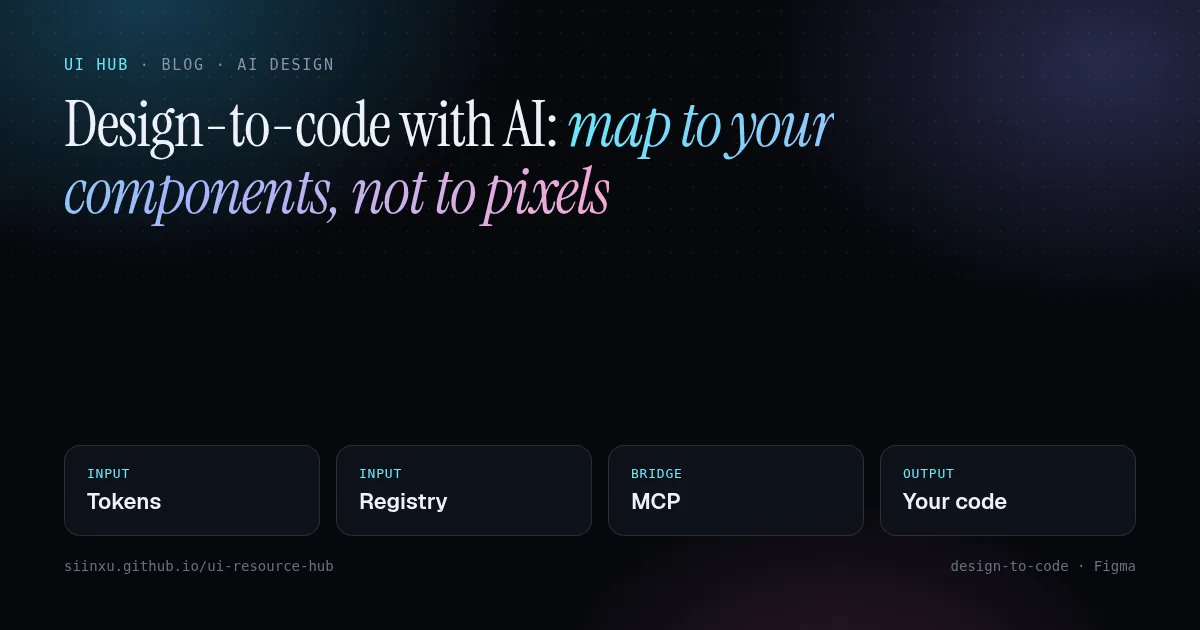
用 AI 从设计稿到代码:映射到组件,而不是像素用 AI 從設計稿到程式碼:對應到元件,而不是像素Design-to-code with AI: map to your components, not to pixelsAIでデザインからコードへ:ピクセルではなくコンポーネントに対応付けるAI로 디자인→코드: 픽셀이 아니라 컴포넌트에 매핑하라Reka bentuk ke kod dengan AI: petakan ke komponen, bukan pikselTừ thiết kế sang code bằng AI: ánh xạ vào component, không phải pixelDu design au code avec l'IA : mapper vers vos composants, pas des pixelsDe diseño a código con IA: mapea a tus componentes, no a píxelesDesign-to-Code mit KI: auf Komponenten mappen, nicht auf Pixel
像素级导出只会产出一次性代码。通过 MCP 把组件注册表和 token 交给 Agent,让产出复用现有组件。像素級匯出只會產出一次性程式碼。透過 MCP 把元件註冊表和 token 交給 Agent。Pixel-perfect export creates throwaway code. Give the agent your component registry and tokens via MCP so output reuses what you already ship.ピクセル完全な書き出しは使い捨てコードになる。MCPでレジストリとトークンを渡そう。픽셀 퍼펙트 내보내기는 일회용 코드다. MCP로 레지스트리와 토큰을 넘겨라.Eksport piksel sempurna menghasilkan kod pakai buang. Beri registri komponen dan token melalui MCP.Xuất pixel-perfect tạo code dùng một lần. Đưa registry và token qua MCP.L'export au pixel produit du code jetable. Donnez registre et tokens via MCP.Exportar al píxel crea código desechable. Pasa registro y tokens vía MCP.Pixelgenauer Export erzeugt Wegwerfcode. Registry und Tokens per MCP übergeben.
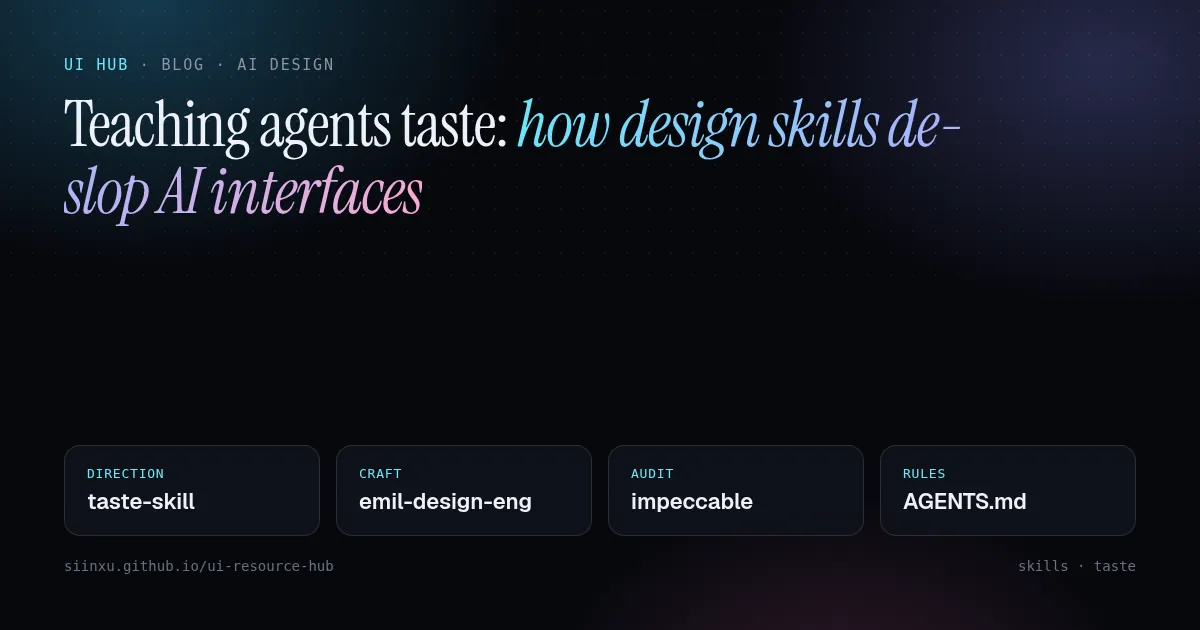
教 Agent 审美:设计 skill 如何去掉 AI 味教 Agent 審美:設計 skill 如何去掉 AI 味Teaching agents taste: how design skills de-slop AI interfacesエージェントにセンスを教える:デザインスキルでAIっぽさを消す에이전트에게 취향 가르치기: 디자인 스킬로 AI 티 없애기Mengajar ejen cita rasa: kemahiran reka bentuk membuang rupa "AI"Dạy agent gu thẩm mỹ: skill thiết kế xoá "mùi AI"Apprendre le goût aux agents : les skills de design contre l'UI génériqueEnseñar criterio a los agentes: skills de diseño contra la UI genéricaAgenten Geschmack beibringen: Design-Skills gegen generische KI-UIs
frontend-design、taste-skill、impeccable 等 skill 把设计观点打包成文件,Agent 按需加载。这里讲怎么组合。frontend-design、taste-skill、impeccable 等 skill 把設計觀點打包成檔案,Agent 按需載入。Skills like frontend-design, taste-skill and impeccable package opinions as files agents load on demand. Here is how to combine them.frontend-design、taste-skill、impeccableなどは設計の意見をファイル化したもの。組み合わせ方を解説。frontend-design, taste-skill, impeccable 같은 스킬은 디자인 관점을 파일로 담는다. 조합법.Kemahiran seperti frontend-design, taste-skill dan impeccable membungkus pendapat reka bentuk. Cara menggabungkannya.Các skill như frontend-design, taste-skill, impeccable đóng gói quan điểm thiết kế. Cách kết hợp.frontend-design, taste-skill, impeccable : des opinions de design en fichiers. Comment les combiner.frontend-design, taste-skill, impeccable: opiniones de diseño en archivos. Cómo combinarlas.frontend-design, taste-skill, impeccable: Design-Meinungen als Dateien. So kombiniert man sie.